10 Typography Tricks to Elevate Your Web Design
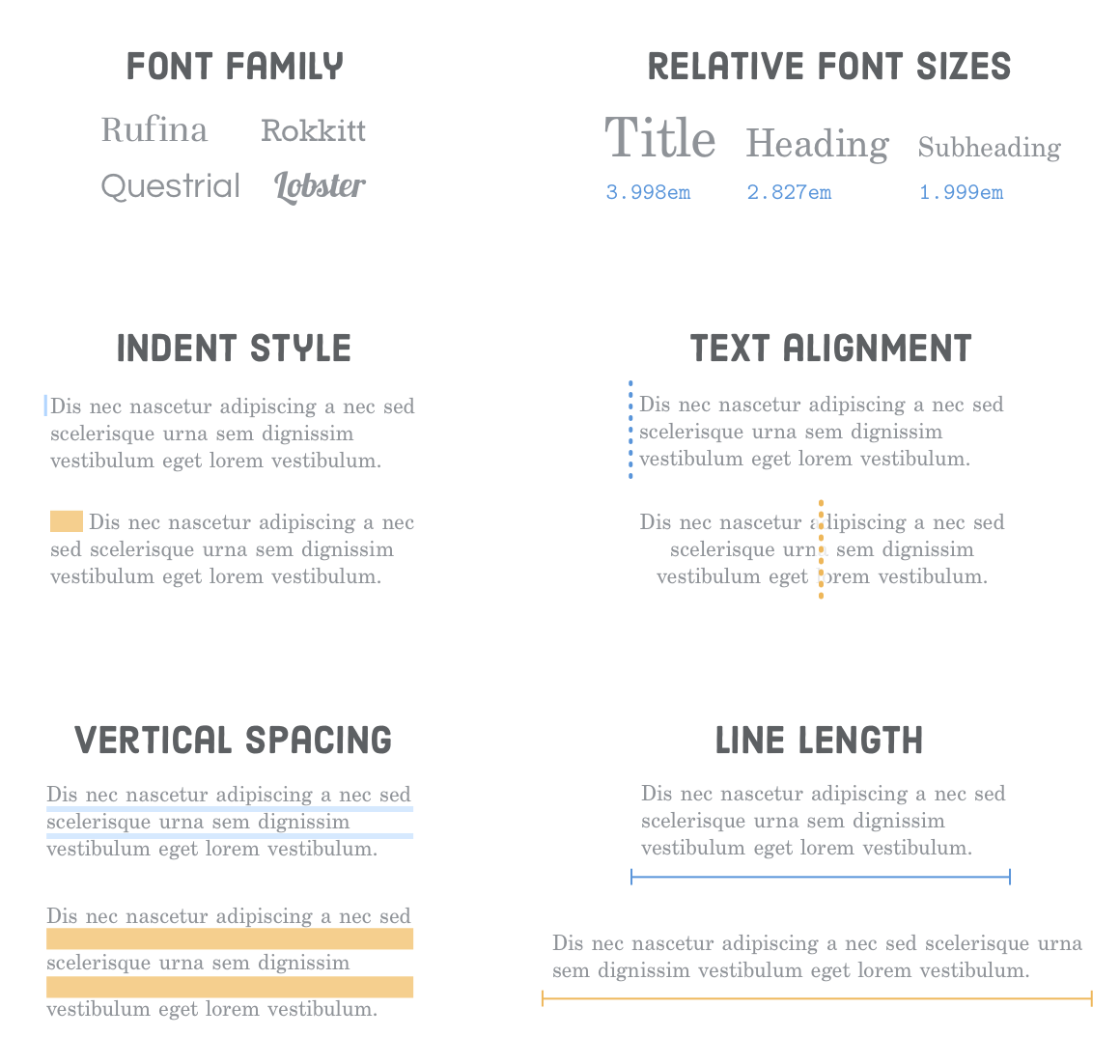
In the world of web design, typography plays a crucial role in enhancing user experience and conveying your brand's message effectively. Typography tricks can transform your website from mundane to mesmerizing, making your content more engaging and accessible. Here are ten essential tips to elevate your typography:
- Choose a Complementary Font Pair: Select a primary and secondary font that work well together to create visual harmony on your page.
- Utilize Whitespace: Effective use of whitespace can help your text breathe, improving readability and aesthetic appeal.
- Limit Font Choices: Stick to two or three fonts across your site to maintain consistency and avoid visual clutter.
- Pay Attention to Hierarchy: Use varied font sizes, weights, and colors to establish a clear hierarchy that guides the reader through your content.
- Responsive Typography: Ensure your text scales beautifully on all devices; fluid typography techniques can enhance mobile user experience.
- Legibility Matters: Prioritize legibility by avoiding overly decorative fonts and considering line length and spacing.
- Color Contrast: Use contrasting colors to make your text stand out, but be mindful of color blindness and accessibility standards.
- Incorporate Custom Fonts: If appropriate, consider using custom web fonts to give your site a unique look.
- Use Text Effects Sparingly: While effects can add flair, overusing them can detract from your content. Use sparingly for emphasis.
- Test and Iterate: Regularly gather feedback and A/B test different typography settings to see what resonates best with your audience.
How to Choose the Right Fonts for Your Website
Choosing the right fonts for your website is crucial for establishing your brand's identity and ensuring optimal readability. Start by considering your audience and the tone of your content; for example, a playful font may suit a children's website, while a more professional font would be appropriate for a corporate site. Experiment with different font styles, such as serif and sans-serif, to see which aligns best with your overall design. A good rule of thumb is to limit your selection to two or three fonts—one for headings, another for body text, and possibly a third for accents to maintain consistency without overwhelming your visitors.
Additionally, pay attention to font size and spacing. A common mistake is using fonts that are either too small or too decorative, which can hinder readability on various devices. To enhance user experience, make sure your chosen fonts are legible at different screen sizes and resolutions. Tools like web-safe fonts can help ensure that your text displays correctly across all platforms. Lastly, don't forget about contrast; your text color should stand out against the background for easier reading. By carefully selecting your fonts, you can create an inviting and professional online presence that resonates with your audience.
Why Typography Matters: The Impact of Font Choices on User Experience
Typography plays a crucial role in shaping the overall user experience on websites and blogs. The fonts chosen can significantly influence how content is perceived and understood by readers. For instance, a well-chosen font can enhance readability, making it easier for users to engage with the material. In contrast, overly decorative or mismatched typography can distract the audience, leading to frustration and disengagement. Therefore, understanding the psychology behind font choices is essential for creating a positive user experience.
Moreover, effective typography contributes to the brand identity of a website. Consistent font styles help in establishing a professional appearance, while also ensuring that the brand’s personality is communicated effectively. This is especially important in competitive market spaces, where a distinct visual identity can help a brand stand out. When users feel comfortable and connected through compelling typography, they are more likely to return, enhancing not only user loyalty but also overall user satisfaction.